

Golf Club Example
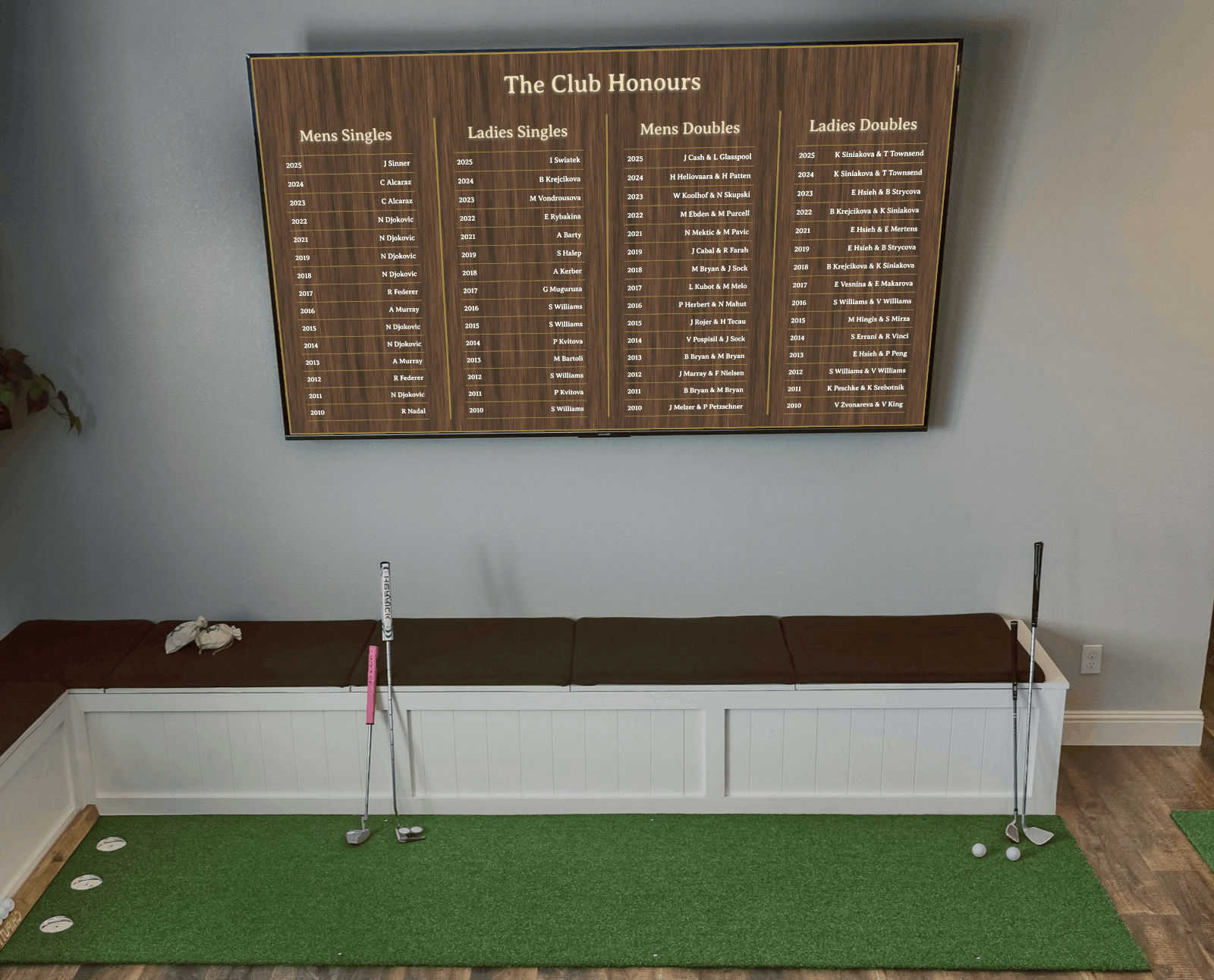
Fresh interior fitThe display reads as part of the venue decor while giving members and guests a clear view of major winners across the room.
 Wall-mounted TV
 Easy viewing from seating
 Windows ready
 Linux ready
 Unlimited records subject to memory
No subscriptions. No internet connection required*.



Internet connection is only required for lifetime licence activation. Otherwise the software is completely offline.
From local clubs to larger multi-competition organisations, the application offers flexible presentation tools without the complexity of bespoke signage systems.

Display as many competitions, years, and winners as your platform memory allows, making it suitable for decades of club achievements.

Make the board your own through the settings window. Adjust the title, visible tables/rows, background and colour palette to suit your venue’s identity.

Your data file uses a clear and familiar format so administrators can update winners quickly using standard spreadsheet tools.

Perfect for clubhouses, reception areas, trophy rooms, presentation nights, and event screens where club heritage deserves attention.

Deploy on the operating system that best suits your venue, kiosk, small PC, or club display environment.

Whether your club tracks league titles, cup wins, individual champions, or annual award winners, the format adapts easily.
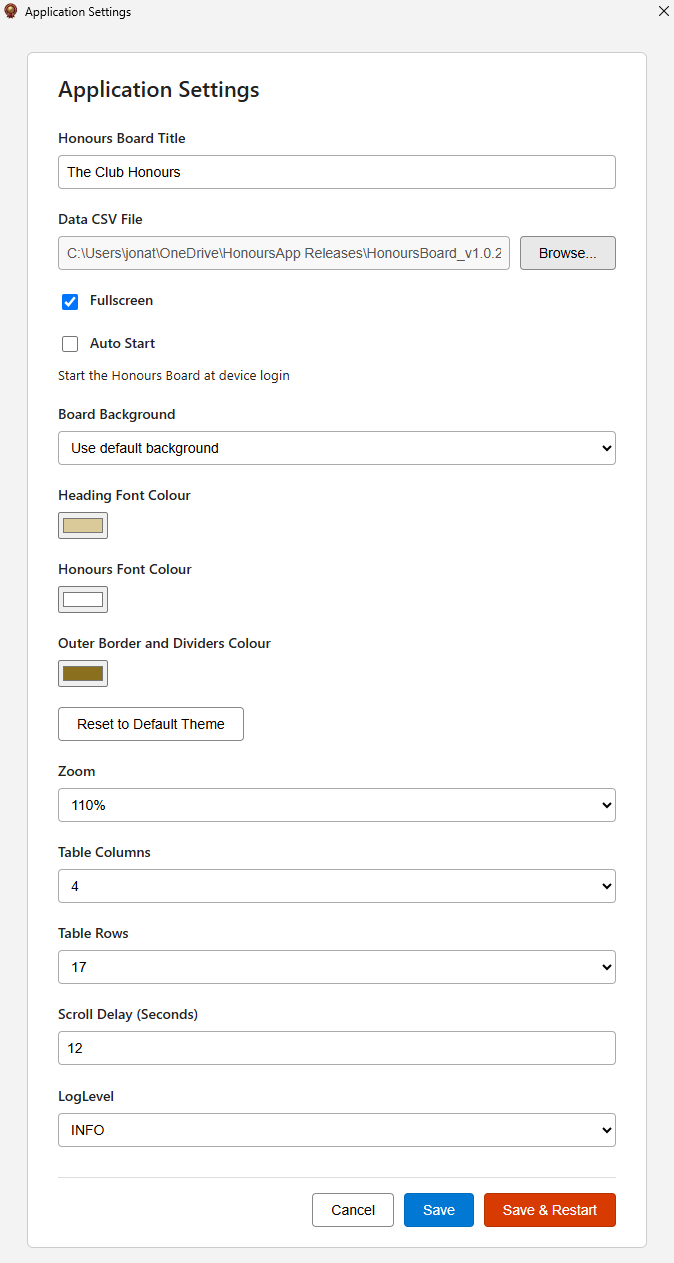
The application is designed to be practical for real club administrators: set your board title and point to your CSV file. For display fit and readability, choose fullscreen, colour palette and zoom preferences, then control how many table columns and rows appear on screen.




Create or export a file using the format Category,Year,Name and include every singles title, team honour, annual award, or championship you want to display.
Enter your board title and browse to the CSV file. Choose fullscreen, zoom, table columns and visible rows, then tailor the Background Colour or Image, Heading Font Colour, Honours Font Colour, and Border/Dividing Lines Colour—all through the settings window.
Run the application on Windows or Linux and showcase your club's proud history in a polished digital format that is always easy to update.


These three examples show how colour choices transform the same honours board. All four appearance controls below are available through the settings window, so you can coordinate the display with your club colours or venue decor.
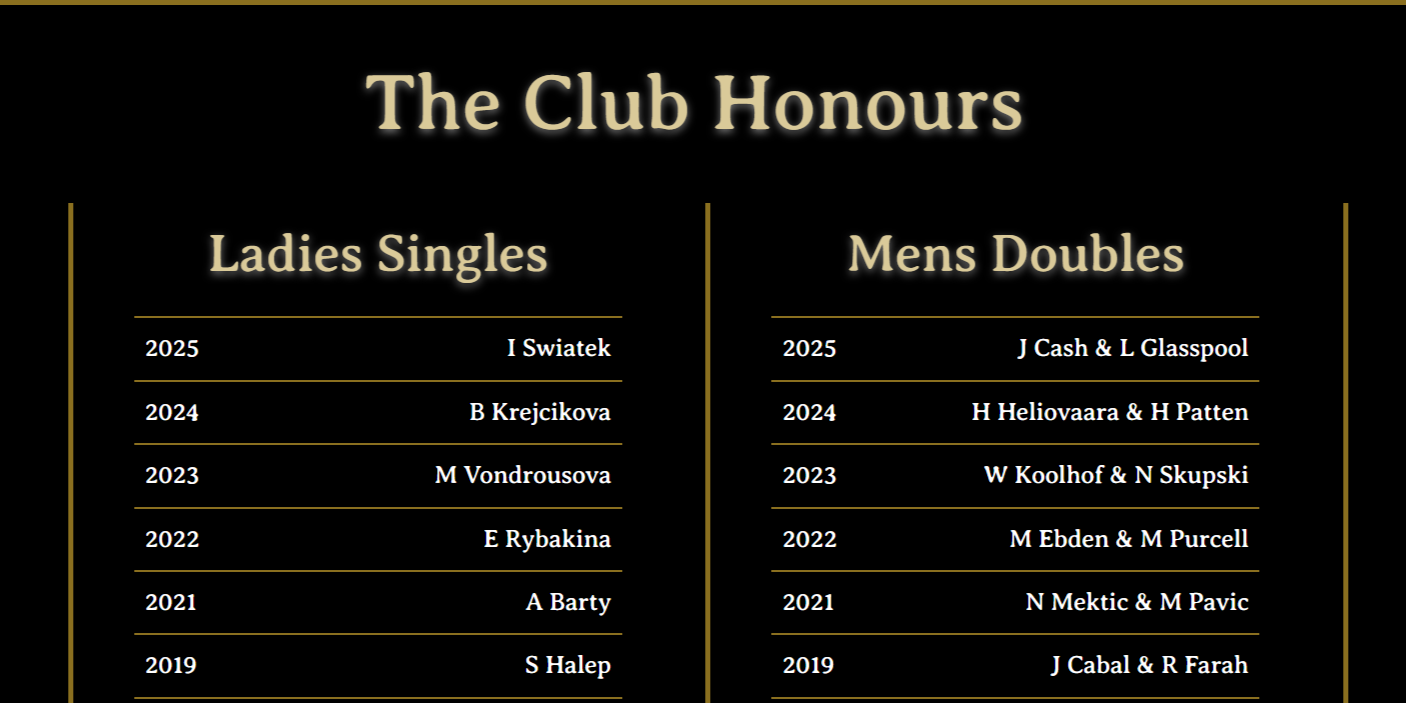
A black background, pale gold headings, white honours text and gold lines create a traditional presentation.
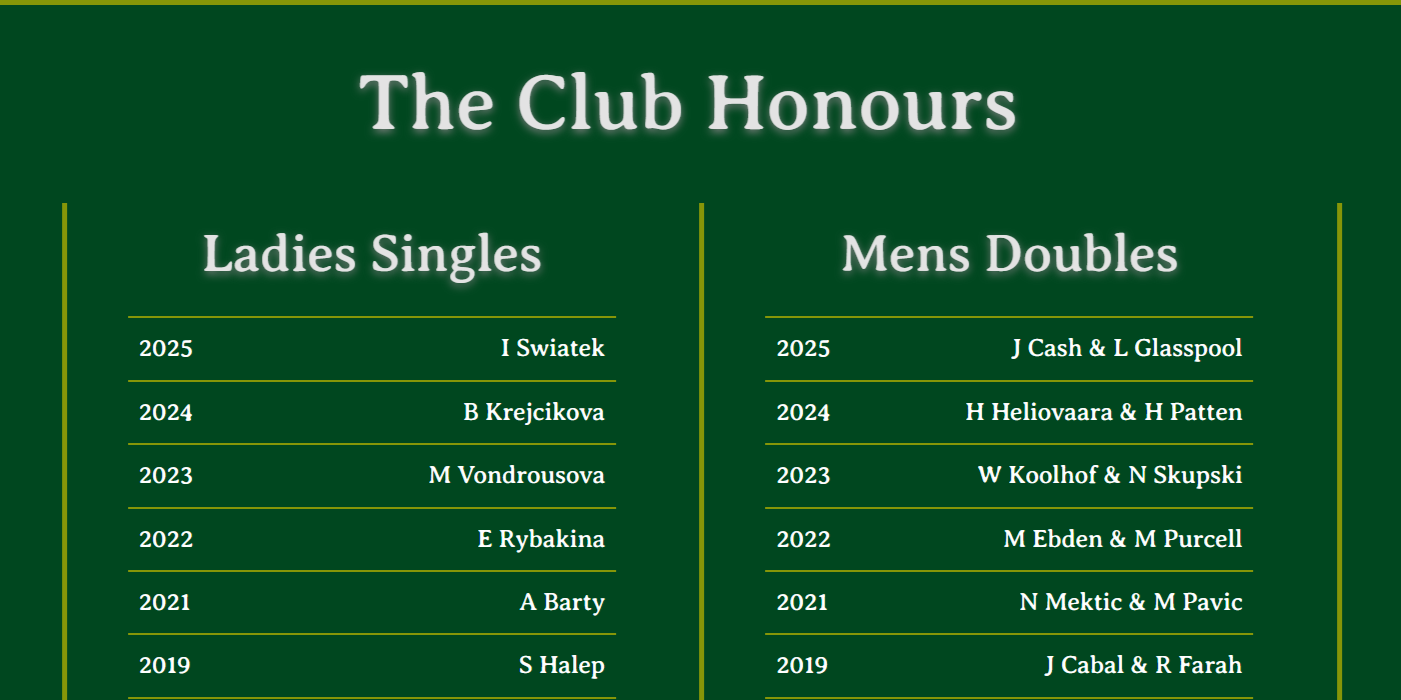
A deep green background pairs light headings and white honours text with yellow-green borders and dividers.
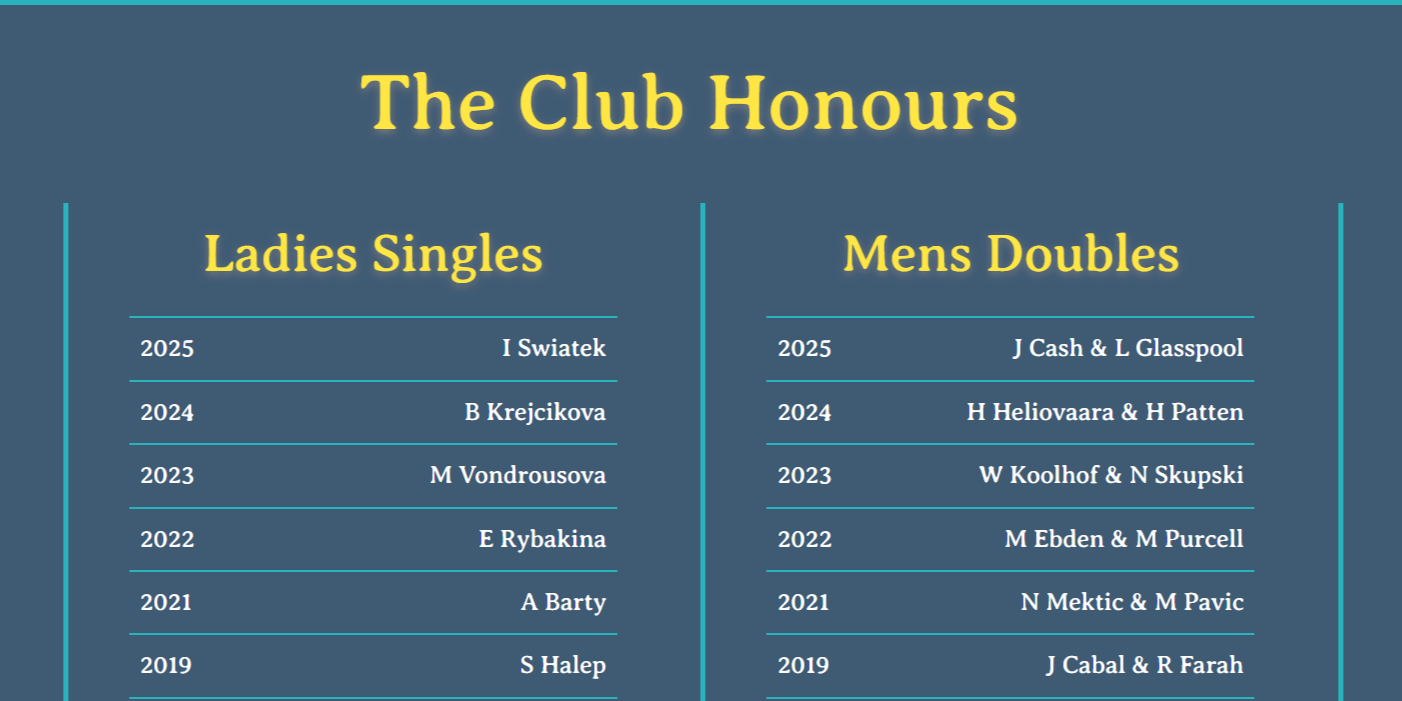
Slate blue, yellow headings and turquoise lines give the board a distinctive look while honours text remains white.
The application can present your club history in multiple layout combinations depending on your categories and screen space. Choose compact side-by-side boards, broad multi-column formats, or taller layouts for deeper history. Beyond the layout, use the settings window to change the Background Colour or Image, Heading Font Colour, Honours Font Colour, and Border/Dividing Lines Colour to match your club.
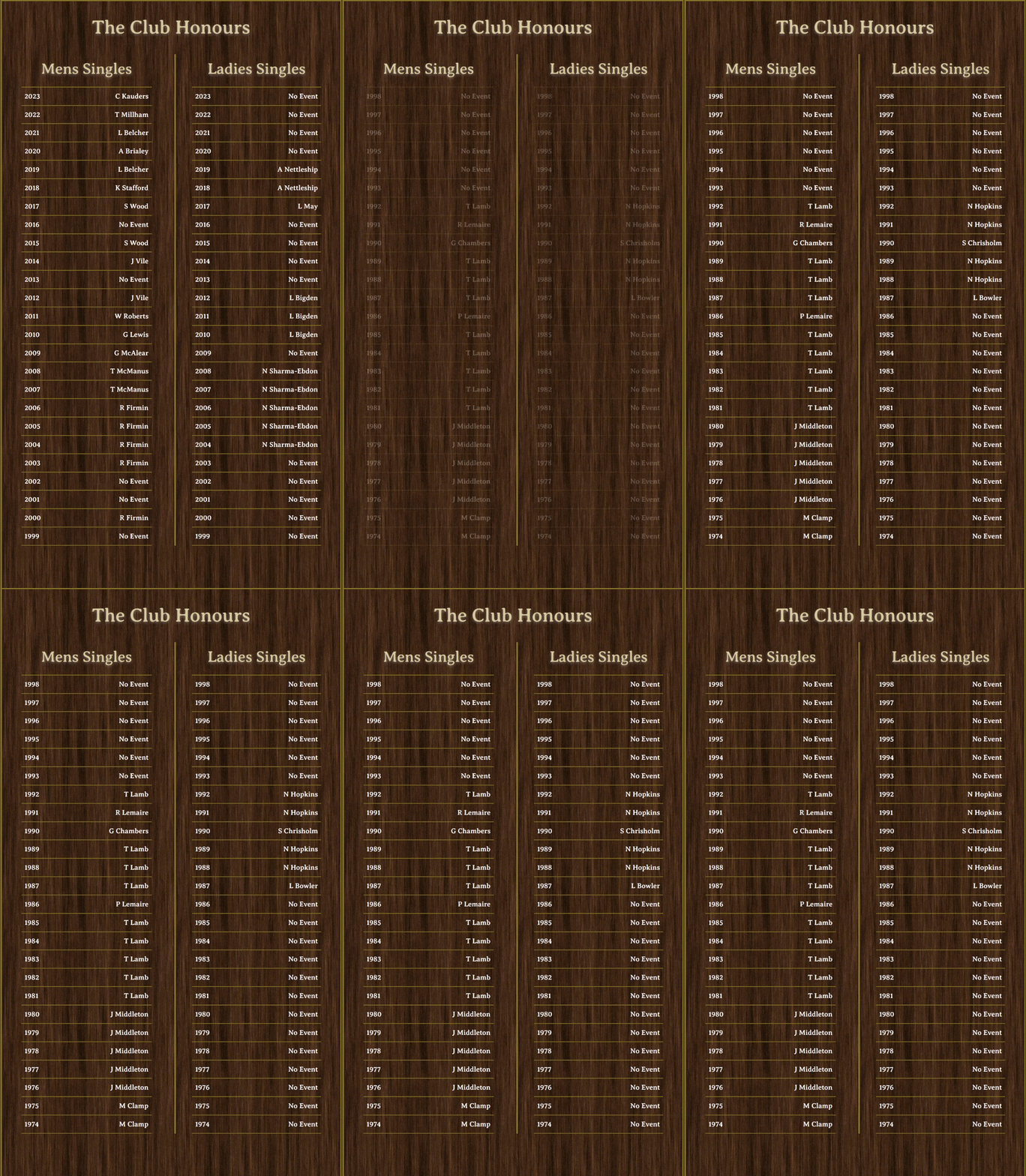
Designed for longer historical lists and vertically oriented presentations, giving clubs more room to show extended year-by-year winner records.
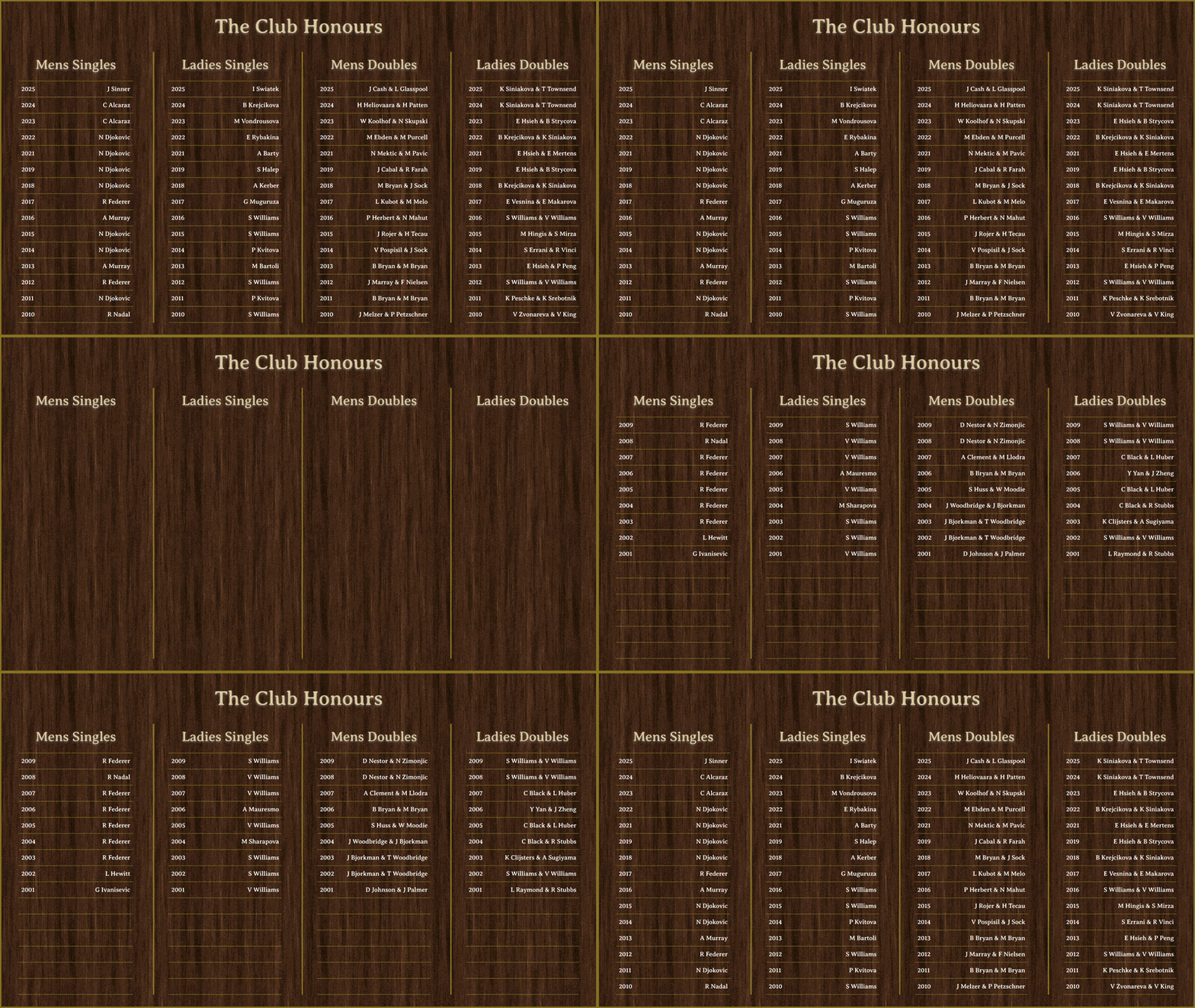
Ideal for focused presentations with fewer categories, such as standard TV resolutions where clarity and elegant spacing matter most.
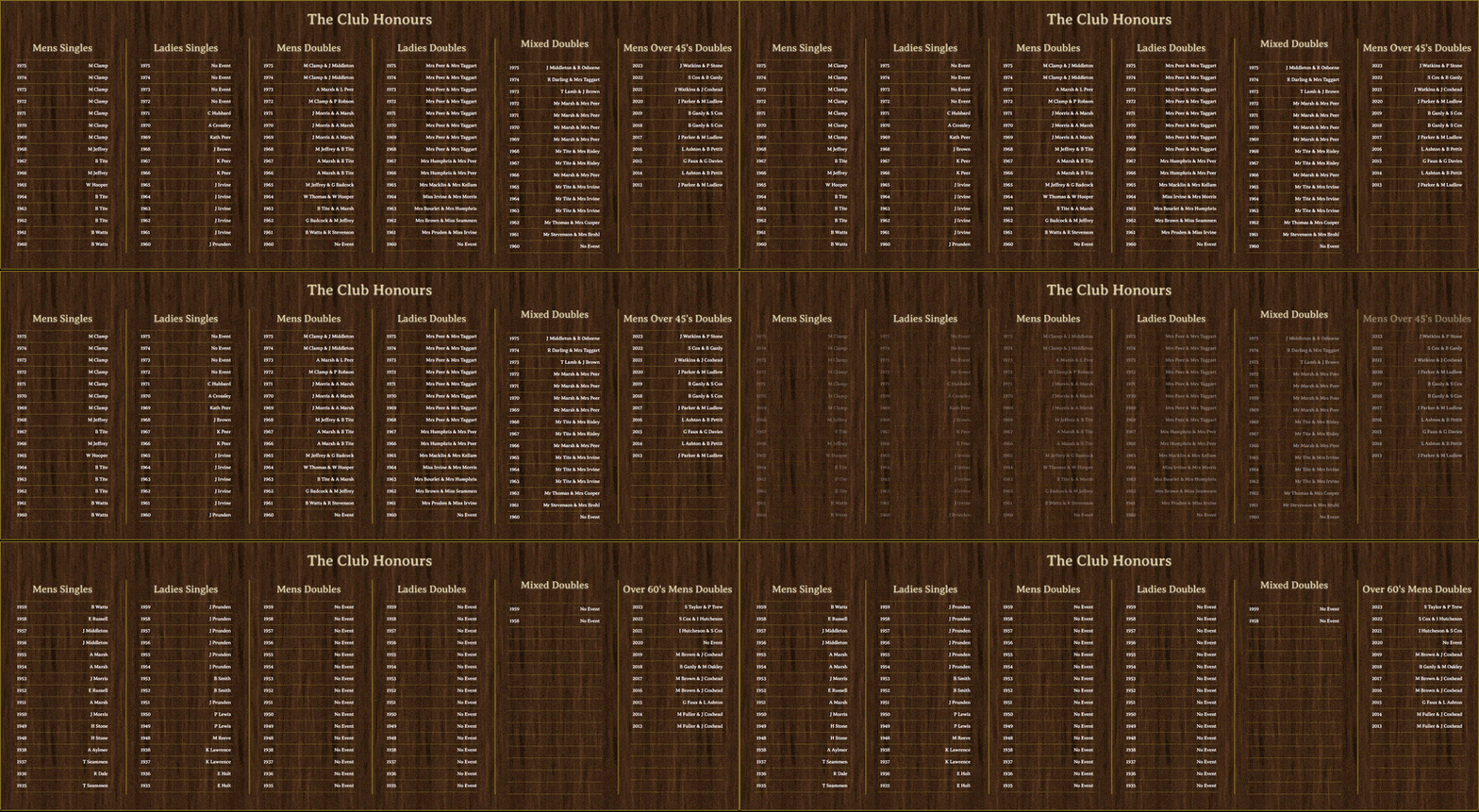
Best for wide and ultra widescreen displays where multiple competitions can be shown at once across a polished multi-column honours board.
Choose the number of visible tables and rows in the software settings, then personalise the background, and colour palette to suit your club’s content, display size, and presentation style.
Use these three examples to show how the honours board can sit comfortably in welcoming club interiors.
The display reads as part of the venue decor while giving members and guests a clear view of major winners across the room.
Wall-mounted TV
Easy viewing from seating

In a social bar setting, the board stays visible above daily activity, helping the club’s history stay front-of-mind.
 Multi-column honours view
 Great for member spaces

The Honours Board can be central for club members and visitors. Club administrators can easily update the honours list and competitions.
 Works in busy public spaces
 Always-ready presentation


Your honours board should be easy to update, visually impressive, and flexible enough to grow as your club adds more competitions and more winners over the years.
Whether you run a grassroots club, a large suburban organisation, or a historic sporting institution, the application helps turn club records into a compelling digital display.

Swap out static boards or hard-to-maintain signage with a digital system that can be refreshed from a CSV file.

Present winners, eras, and achievements in a format that feels contemporary and venue-ready.

Tune visible tables and rows for your screen, then use the settings window to coordinate the background colour or image, heading and honours font colours, and border/dividing line colour with your venue.

Keep long histories visible and accessible so members can connect with the story of the club.
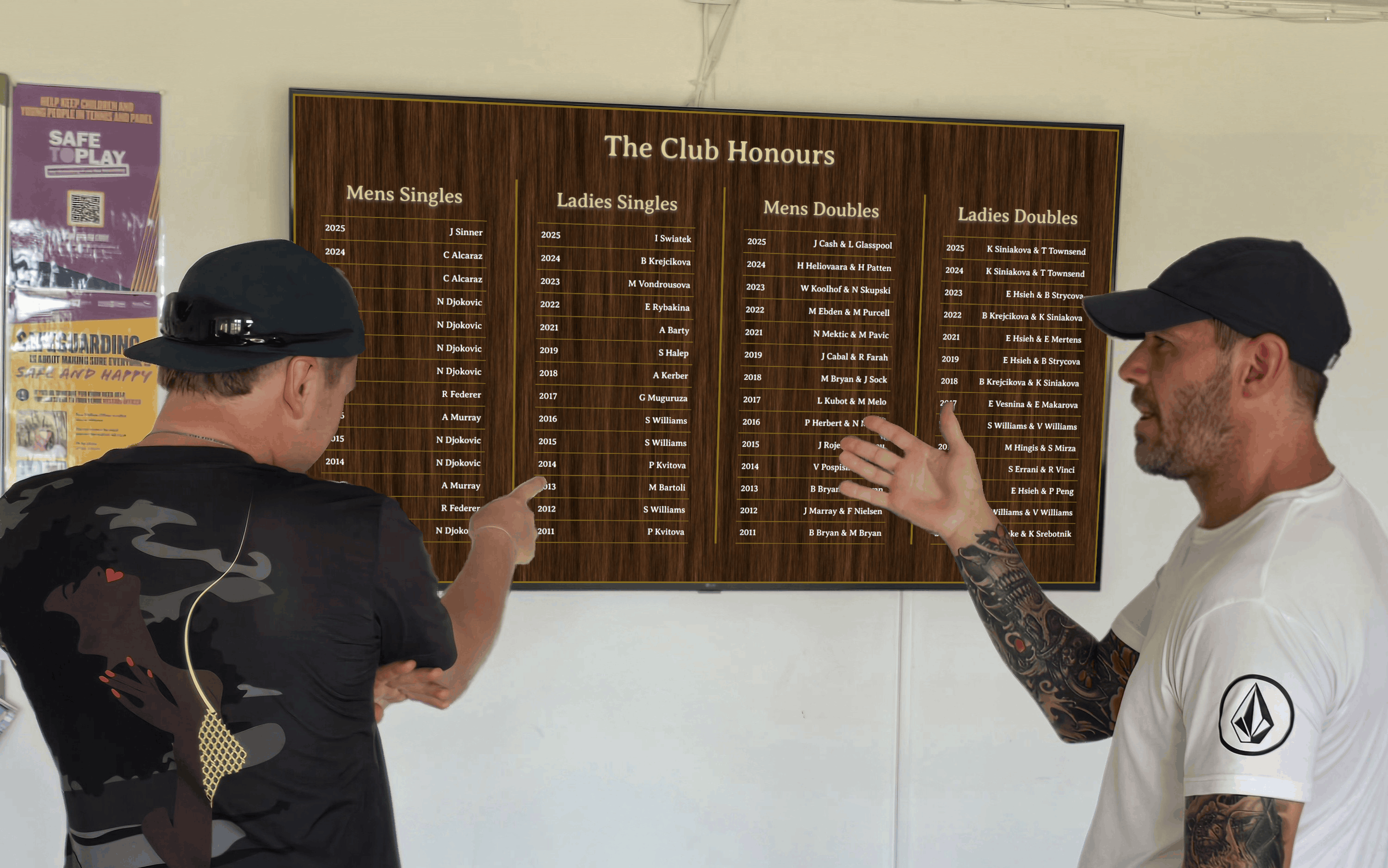
Take a quick look at the presentation style to see how a real tennis club has turned winner records into a polished on-screen honours board.
Display-ready presentationSimple club setupThe software does not need a large or expensive computer setup. A compact mini PC or Raspberry Pi can run the Honours Board application and feed the output directly to a television, monitor, foyer display, or clubhouse screen using a standard video connection.


A small computer runs the Honours Board software, stores your settings, and reads the CSV file that drives the display.


The connected screen shows your digital honours board to members and visitors in a polished, highly visible format.

An optional third-party smart plug can schedule power to your setup.

Smart power plugs are optional third-party hardware and are not provided, supplied, or bundled by JPAPPS Design. Software auto-start and scheduled PC shutdown must be configured on your PC or operating system. To start unattended when plug power returns, the computer must support and be configured for automatic power-on after power restoration.


When the software is already running on your venue screen, these shortcuts give staff a quick way to open settings, inspect diagnostic logs, or close the application cleanly.
Open the configuration screen to adjust the board title, CSV file path, fullscreen, zoom and layout. It also includes Background Colour or Image and colour palette controls.

Bring up the logs view for troubleshooting, support checks, and confirming how the software is behaving on your venue hardware.

Close the software when you need to stop the display, return to the desktop, or finish maintenance on the connected device.

Purchase the Honours Board Software and start displaying unlimited competition winners and years, on Windows, Linux or Raspberry Pi. Combine simple CSV-based updates, flexible layouts with customisable backgrounds and colour palette.
 Purchase the Software